
UX/UI

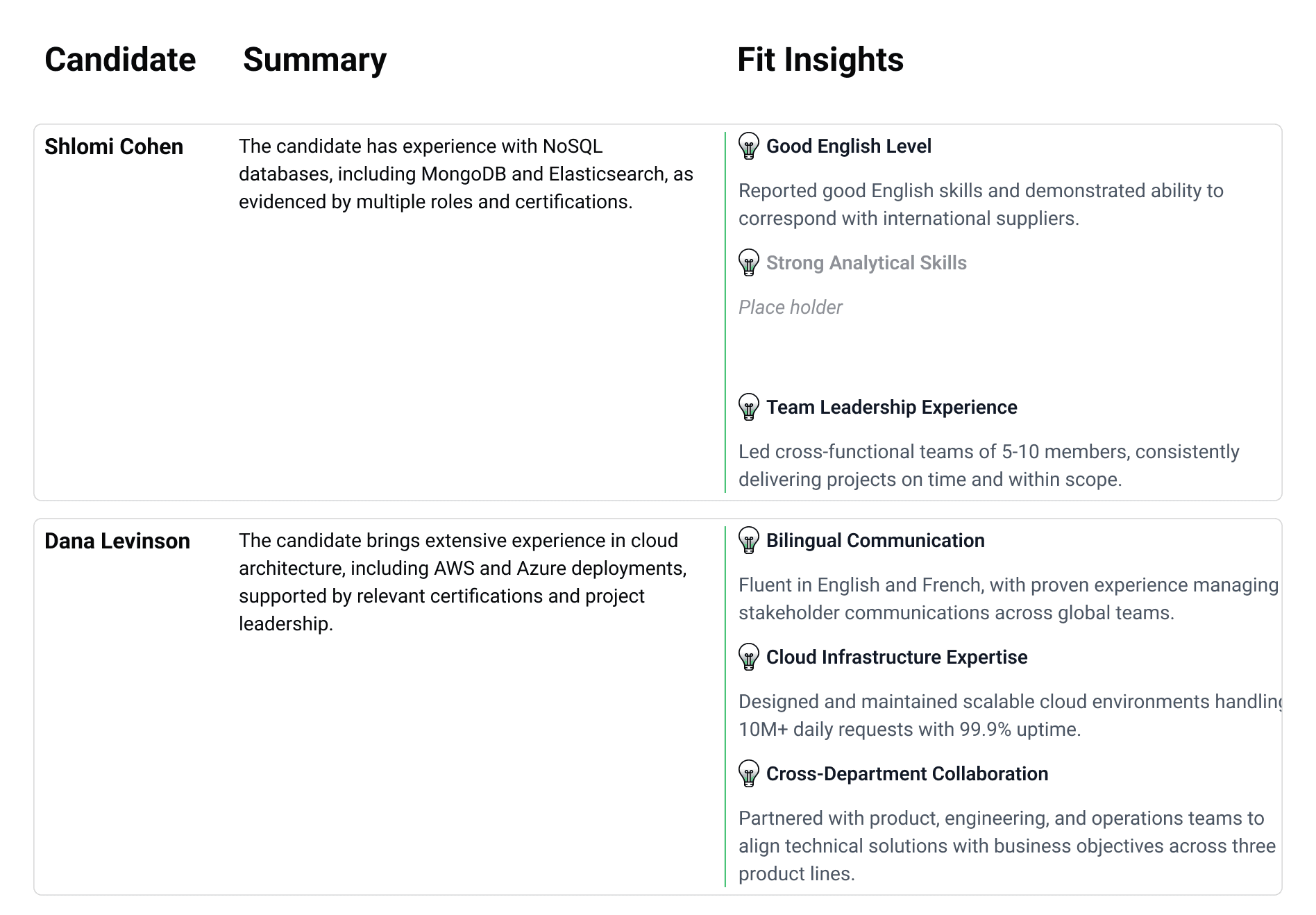

Novia101's Candidate Export feature launched in 2026, but real customer usage quickly exposed several points of friction.
The initial adoption KPI targeted 35% usage within the first three months, yet the actual adoption rate remained below 20%.
User interviews revealed several recurring issues: exported emails rendered incorrectly in Outlook, the export popup felt cramped and difficult to use, and recruiters had no quick way to share exported candidate summaries via WhatsApp - a channel some hiring managers preferred over email.
Since this was an iteration on a live feature, the redesign was driven directly by user feedback and focused on removing friction quickly, without straying too far from the existing workflow.
Several key improvements were introduced:
Moving the experience from a modal to a dedicated full-screen page.
Supporting both table and paragraph layouts to improve compatibility with different email clients.
Adding one-click copy actions for candidate names or short summaries, making WhatsApp sharing effortless.
While the underlying workflow remained familiar, the interface became significantly clearer and reduced cognitive load. Global settings, per-candidate overrides, and a final preview were separated into distinct steps instead of competing for attention within a single modal.


The redesigned experience is currently being rolled out, and feedback continues to be collected by the Customer Success team.
Although the evaluation is still ongoing, early adoption has already increased from less than 20% to approximately 27%. At the same time, the redesign is encouraging users who previously abandoned the export flow to give it another try, providing valuable feedback for future iterations.


